On your
building.
Select a stone, upload your facade photo — preview your building clad in your chosen stone in seconds.
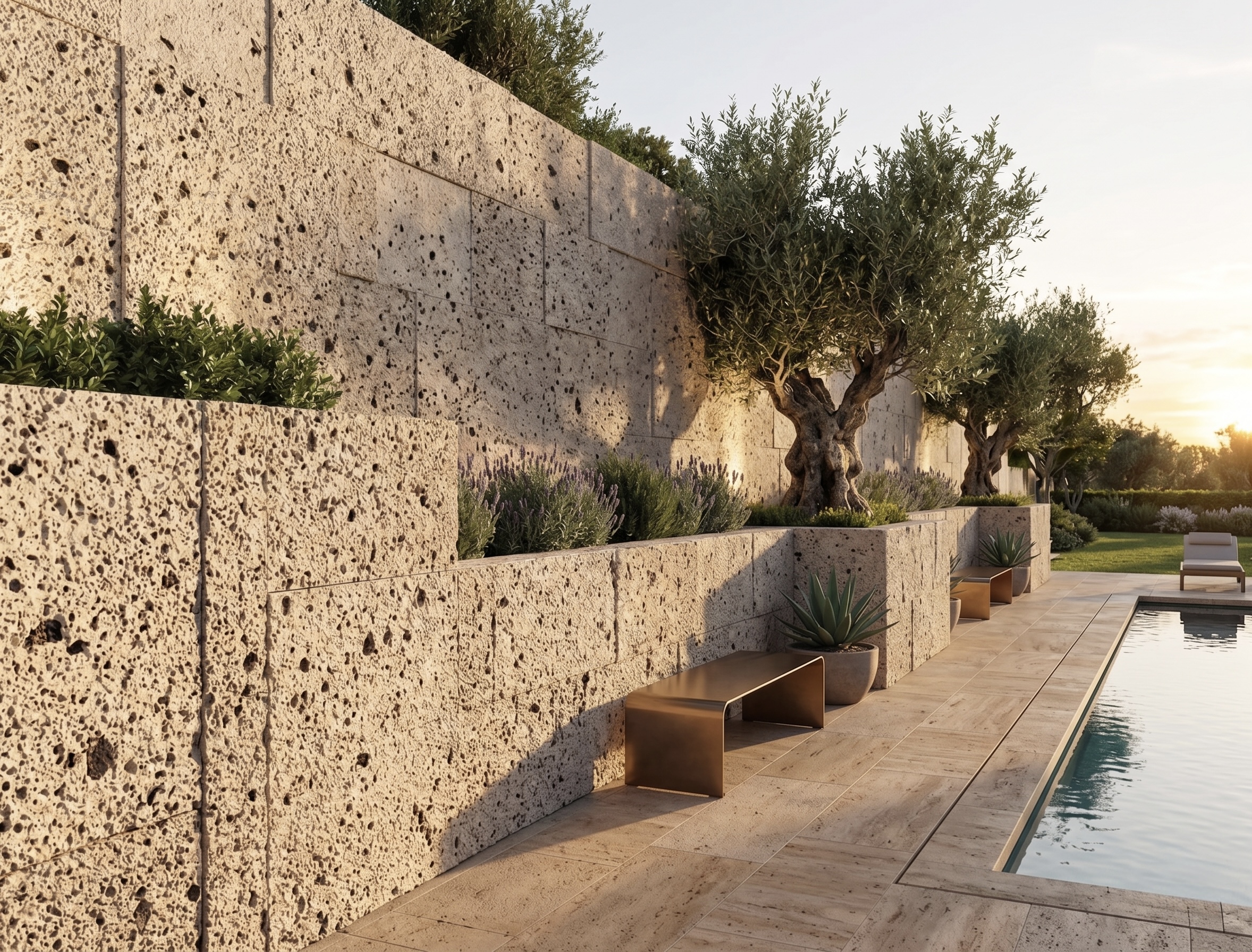
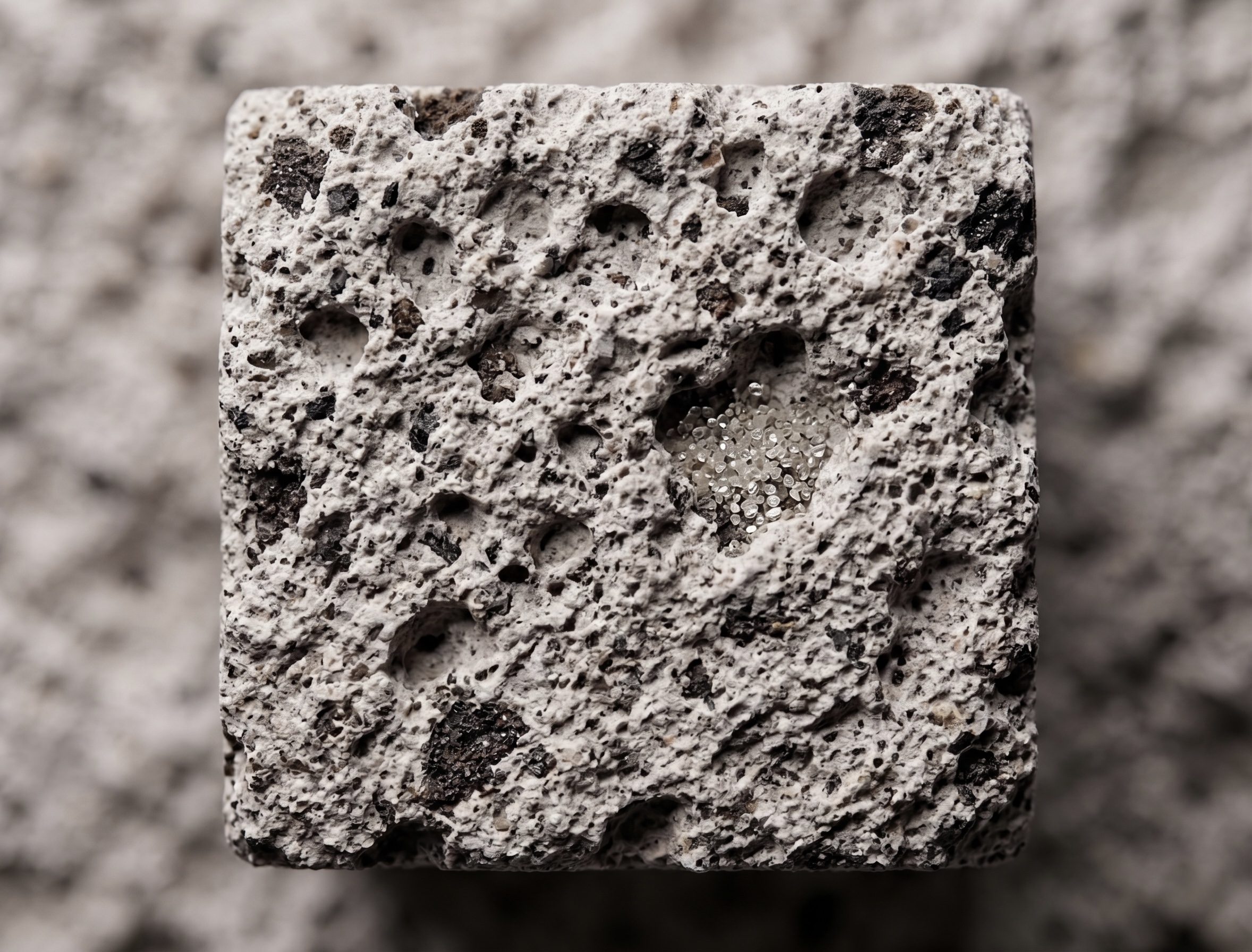
Preview in three steps
Select a Stone
Choose the right stone type for your project from our products.
Upload Image
Share your project's exterior facade photo.
See the Result
Review the building clad with your chosen stone.
Select your stone
Share your project
Drag your facade image
or select a file
JPG, PNG · Min 1200px width · Max 10 MB
For best results
- Shoot the facade straight-on, in daylight
- Prefer high-resolution photos
- Angles with fewer obstructions and shadows give better results
Preparing your building…
This may take a few seconds
We are here for your project.
Once your preview is ready, let's determine the most suitable stone for your project together.
Frequently Asked Questions
The preview provides an AI-powered simulation for reference. We recommend physical sample inspection for final decisions — you can request samples through this page.
High-resolution photos of the exterior taken straight-on in daylight give the best results. We recommend at least 1200px width.
Yes. You can download the generated preview as PNG or add it directly to the quote form.
No. Our facade preview service is completely free.
Yes. You can create previews with as many different stone types as you want on the same image.